
DailyQ Documentation
Overview
DailyQ is a Discord bot designed to spark conversations by posting a daily question in your server.
The bot automatically posts engaging prompts that encourage members to share opinions, stories, and experiences.
DailyQ uses slash commands for configuration and retrieves questions from a structured database to ensure variety and avoid repetition within the same server.
Features
Automatically posts one daily question in a selected channel.
Questions are randomized and tracked per server to avoid duplicates.
Uses slash commands for easy setup.
Includes a free question set with optional premium expansion.
Designed to encourage community interaction and engagement.
How It Works
Server Setup
A server administrator can configure DailyQ using the /setup command.
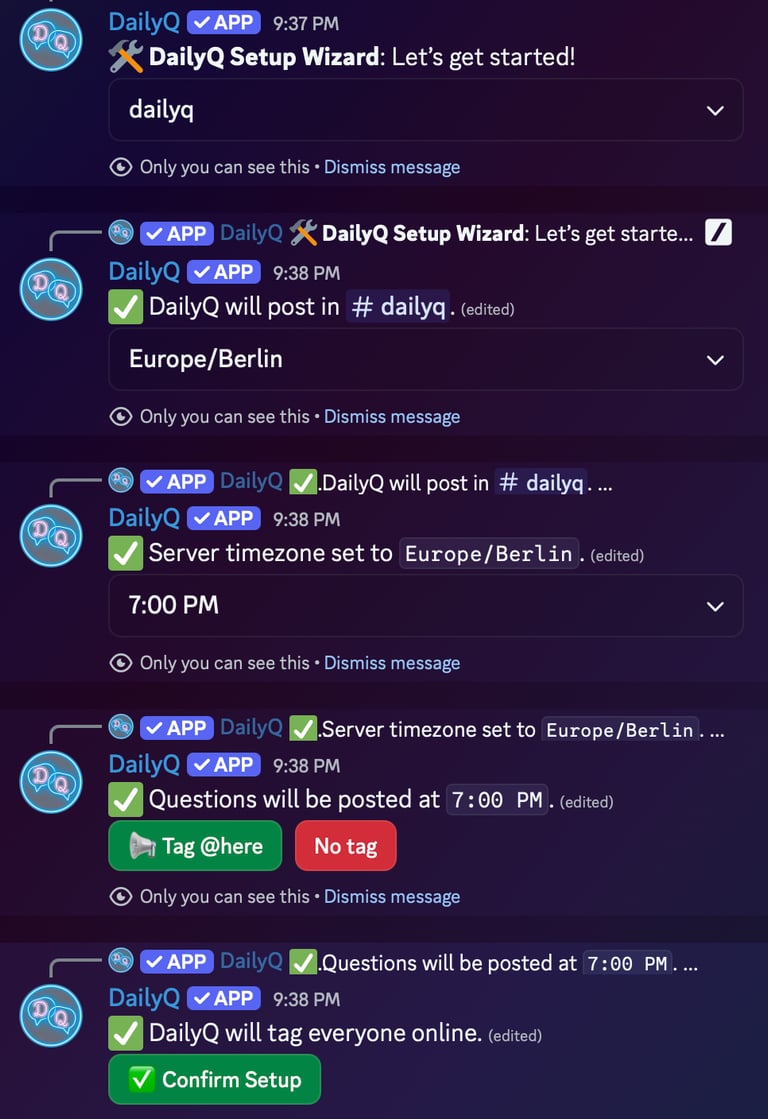
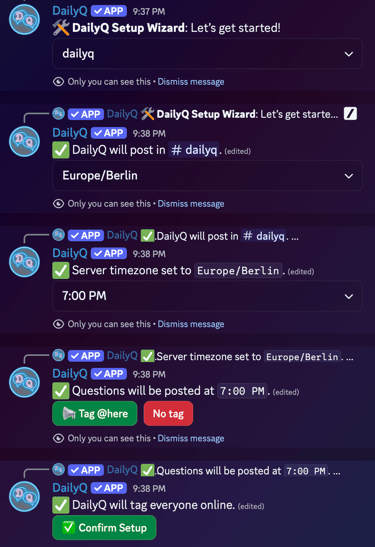
Once the command is executed, DailyQ launches an interactive setup wizard that guides the administrator through the configuration process step by step.
Step 1: Select the Posting Channel
The administrator first selects the channel where DailyQ should post the daily questions.
A dropdown menu displays the available text channels in the server.
After selecting a channel, DailyQ confirms the selection.
Step 2: Set the Server Timezone
Next, the administrator chooses the server’s timezone from a dropdown list.
This ensures DailyQ posts questions at the correct time relative to the server’s location.
Step 3: Choose the Posting Time
The administrator then selects the time of day when the question should be posted.
DailyQ confirms the selected schedule once the time is chosen.
Step 4: Optional Notification Tag
The administrator can choose whether DailyQ should notify online members when posting a question.
Options include:
Tag @here – Notifies members currently online
No tag – Posts the question without tagging members
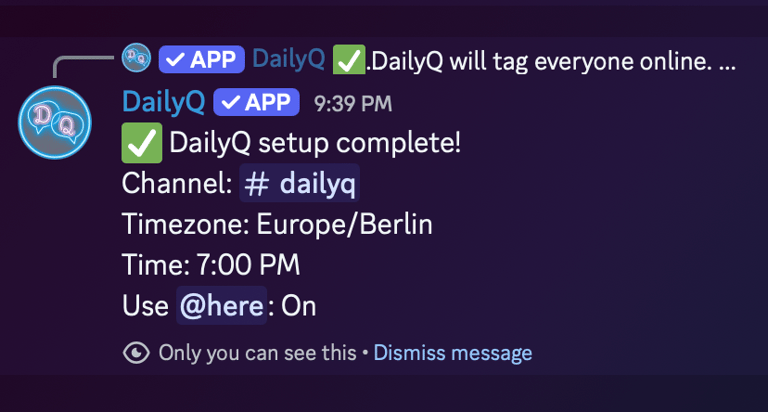
Step 5: Confirm Setup
Once confirmed, DailyQ stores the server’s settings and will automatically post a new question every day at the chosen time.
Example:
Question Selection
DailyQ retrieves a question from its database and ensures it has not already been asked in the same server.
Questions are randomized to keep conversations fresh.
Daily Posting
At the scheduled time, the bot posts the question in the selected channel.
Example question:
What is a small thing that always improves your day?
Members can simply reply in chat to participate.
Replying directly to the bot triggers a randomized reaction by the bot.
Server Tracking
The bot records which questions have already been used in that server so the same question is not repeated.
Each server maintains its own question history.
Available Commands
/setup – Starts the interactive Setup Wizard
Permissions
DailyQ requires the following permissions to function correctly:
Send Messages
Read Messages
Use Slash Commands
View Channels
Add Reactions
Mention @here (optional)



Tarly Bots
Creating simple and fun Discord bots for everyone.
©2026 Tarly Bots. All rights reserved.